AI Architectural Visualization — Renders From Sketch to 4K
Turn a massing model, SketchUp export or rough sketch into a photorealistic architectural visualization. Oxava renders exteriors, facades and client-ready presentation visuals in minutes, so you can iterate on materials, light and mood before committing to a full render pipeline.
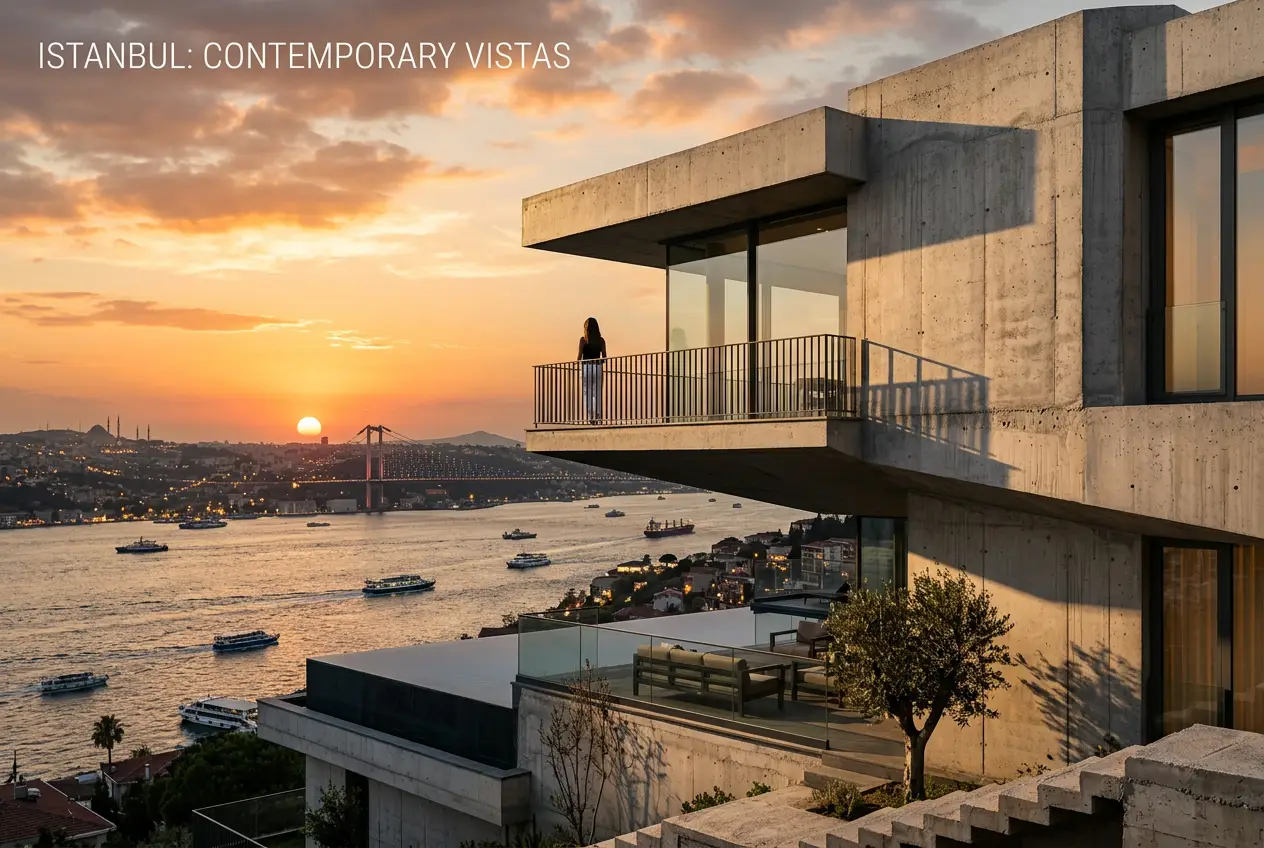
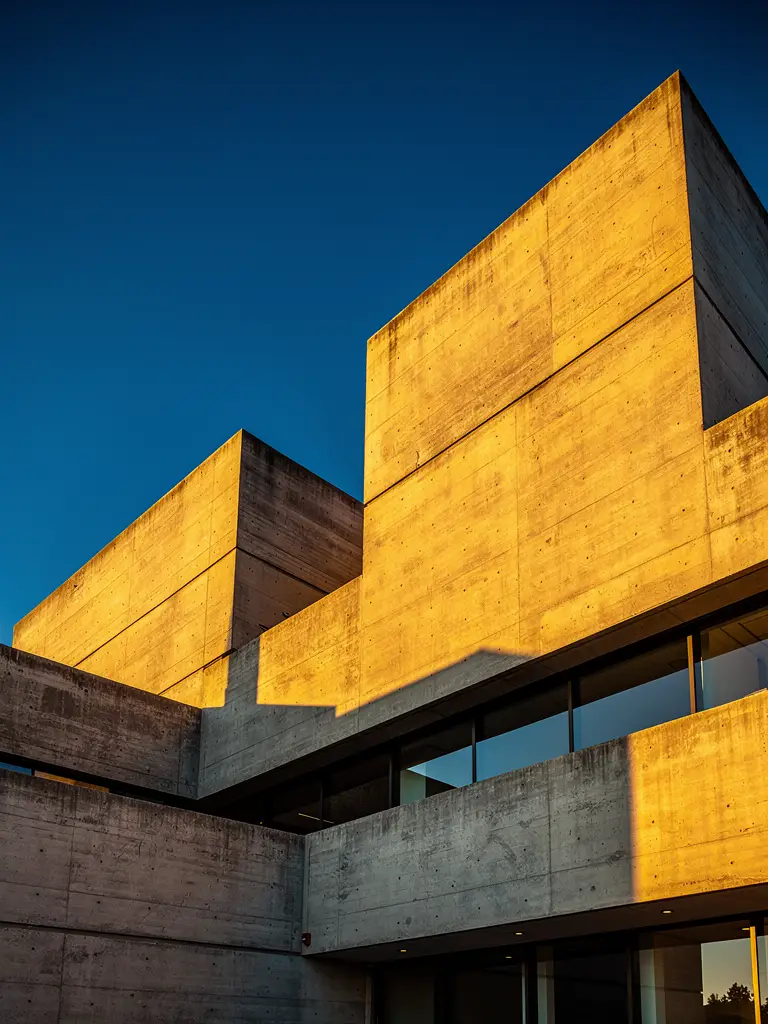
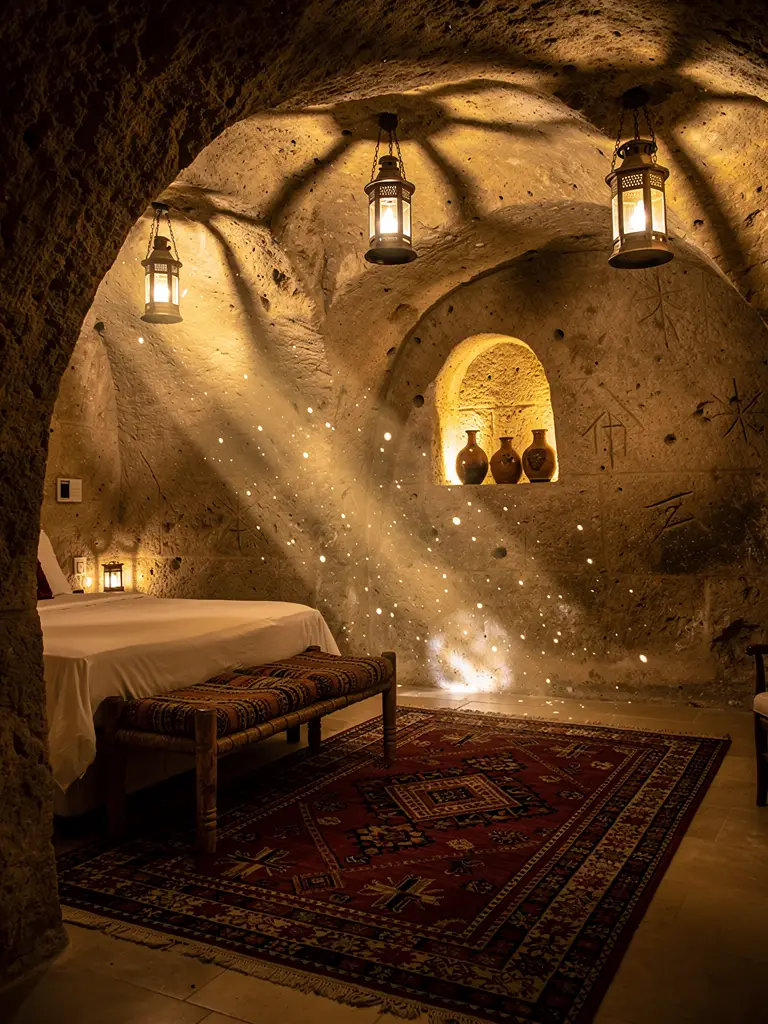
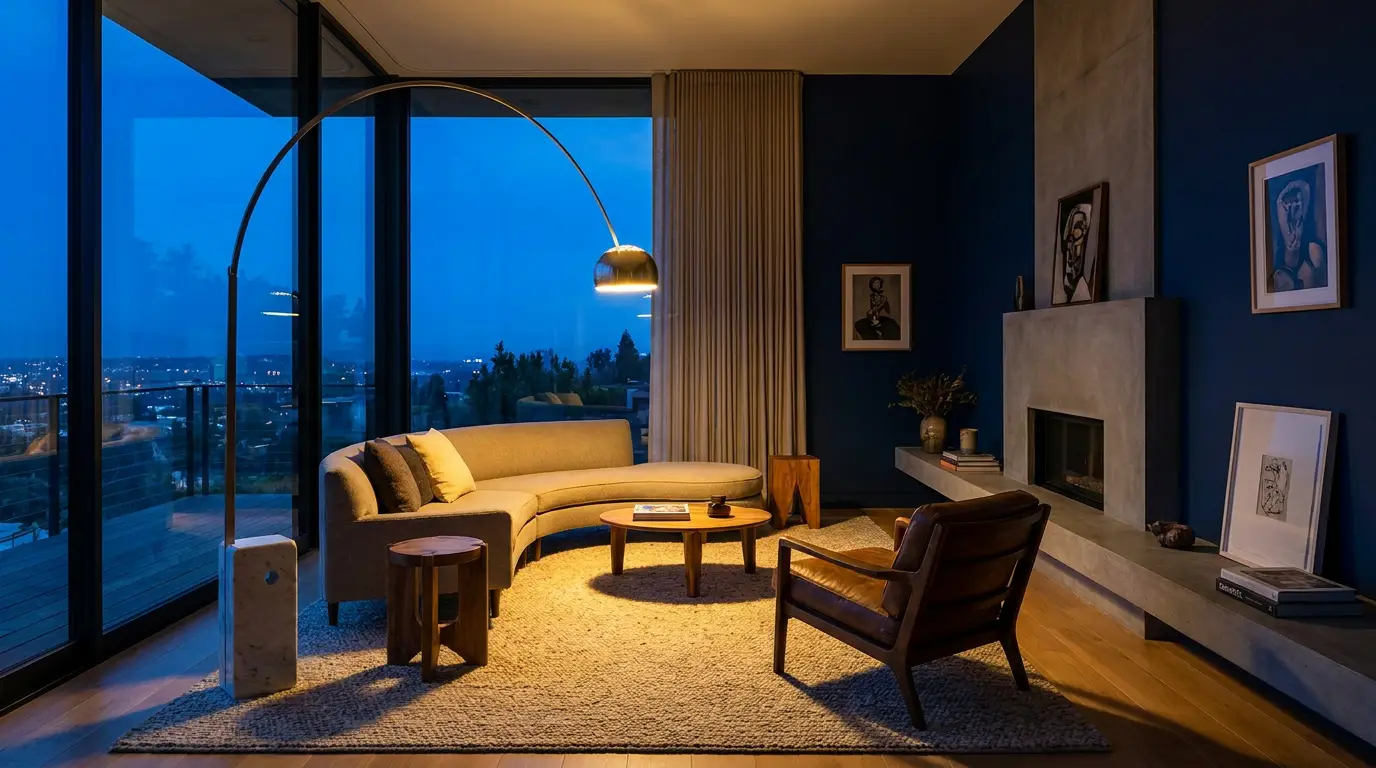
Real generations, made in Oxava
Every image here was genuinely generated in the Oxava studio — no stock, no mockups.
How it works
Bring your massing or sketch
Upload a SketchUp export, massing model or hand sketch as a reference so the AI keeps your geometry and composition.
Set materials, light and context
Describe the materials, time of day, landscaping and mood in a sentence — concrete and glass, golden hour, forest context, whatever the concept needs.
Render & export in 4K
Generate variations, refine the direction, upscale to 4K and export client-ready presentation visuals with a commercial licence.
Models built for this
Frequently asked questions
Can I render from a SketchUp or massing model?+
Yes. Use your SketchUp export, massing model or sketch as a reference and the AI renders a photorealistic visual while keeping your geometry and composition.
How photorealistic are the results?+
Modern models produce magazine-quality exteriors and facades with believable materials and light — strong enough for concept presentations and client review.
Can I iterate on materials and lighting?+
Yes — restyle materials, time of day and landscaping in seconds by editing the prompt, so you can explore directions before a full render.
What resolution do I get?+
Up to native 4K with optional upscaling — sharp enough for large presentation boards and print.
Can I use the renders with clients?+
Every plan includes a commercial licence, so you can use the visuals in proposals, presentations and marketing.
Other use cases
Present concepts before the full render
Photorealistic architectural visuals in minutes, in 4K, with a commercial licence.