
AI product image quality control becomes a different job when you move from one image to a catalog. A contact sheet can look consistent while a serum uses the wrong closure, ground coffee receives a whole-bean image, and a lamp picture lands on the wrong variant. Checking visual polish alone will miss those failures.
You need a record connecting each stock keeping unit (SKU) to its evidence, selected image, and actual destination. This guide proposes a manual release workflow you can run in an external spreadsheet or asset-management tool. It is an editorial framework, not a vendor standard or an automated Oxava quality-control feature.
For creating the pictures themselves, start with our AI product photography guide. Here, the question is narrower: which catalog images can you publish, where, and who has checked them?
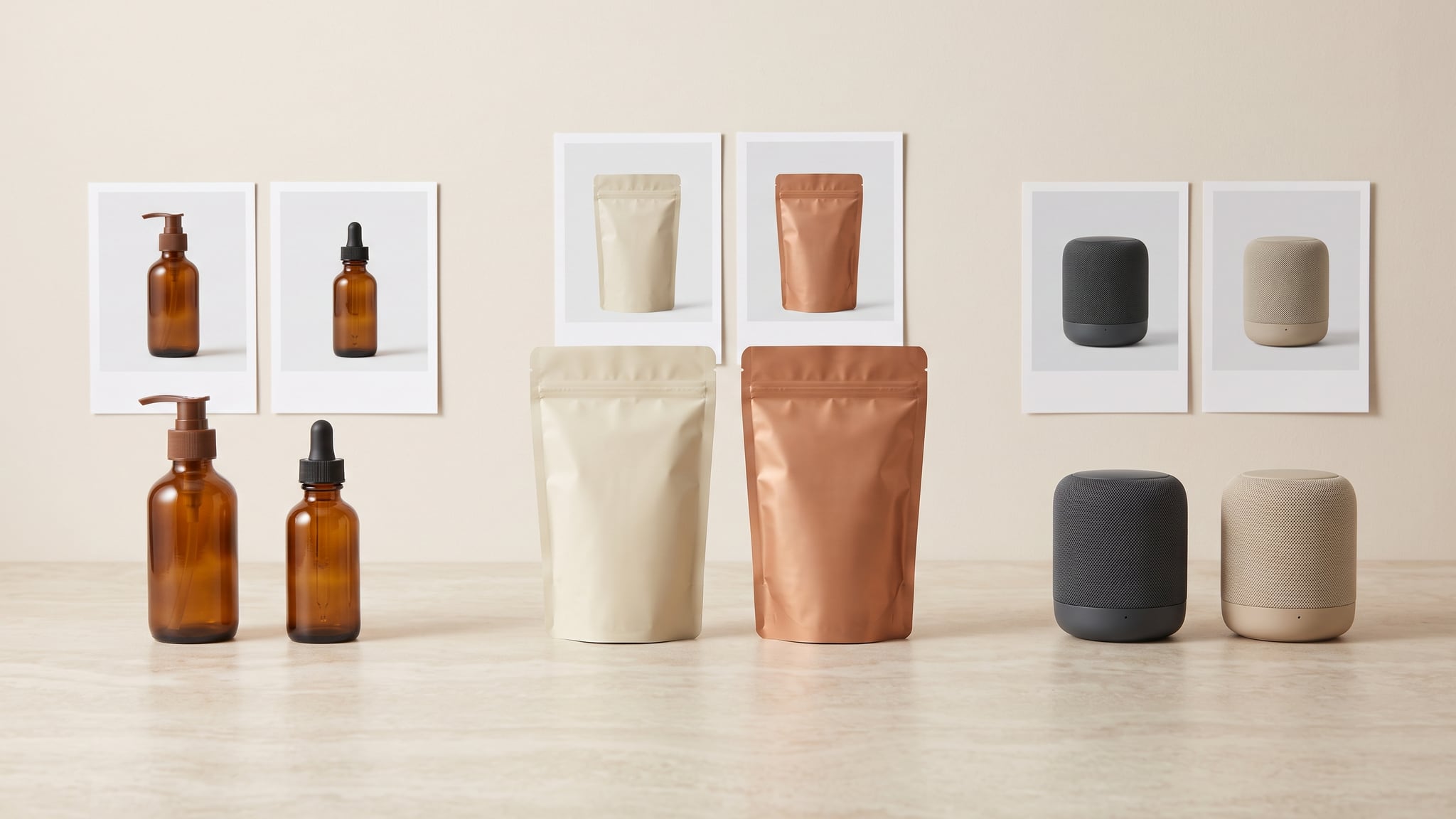
The cover is an AI-generated editorial illustration, not evidence of a tested catalog. The product examples and release counts below are hypothetical.
Define the review unit before counting finished images
Use SKU + required view + destination as your delivery-review unit. A front image for a coffee SKU on a product page is one unit; the same image in its shopping-feed listing is another. They may share one approved master, but their assignment and release checks differ.
Write the scope before producing candidates. Specify the SKU, packaging revision, requested view, destination placement, and reviewer. Separate required views from optional creative variations. Ten attractive backgrounds cannot fill a missing rear view.
Google Merchant Center's image guidance calls for the exact item and the correct variant, including its color, pattern, finish, and material. That gives your catalog review a concrete destination requirement; it does not make every visually convincing candidate suitable.
Maintain separate counts for candidates, approved masters, and delivery units. A single master mapped to two destinations is still one approved master.
Establish the source of truth for every SKU
Give each original reference a stable internal ID. Link it to the actual SKU and retain the untouched file. Record the packaging or hardware revision, capture date when known, and a version for any approved source update. An AI candidate cannot become factual evidence merely because someone approved its styling.
Your source record should answer four questions:
- What item does this show? Include variant attributes, quantity, and configuration.
- Which surfaces are evidenced? Name the photographed views and detail references.
- Is it current? Compare the pack or hardware with the stock you will sell.
- Who confirmed it? Name the product owner who resolved any uncertainty.
Check source coverage against the requested views. A front photograph may establish a coffee pouch's front design without establishing its rear panel. A lamp reference with the base hidden cannot verify a generated base. Mark those views unsupported until you obtain suitable evidence.
Do not infer one variant's details from another. A pump-bottle photo does not establish the dropper version, and a connector on last year's electronics revision may differ from today's product. When sources disagree, block the affected unit and ask the product owner which version is current.
The GS1 Product Image Standard, Release 5.0, July 2026 connects image records with the depicted trade item and includes optional version-number and image-quality-assurance-date fields. Our compact register below adapts that traceability idea; it is not a complete GS1 implementation or a universal compliance checklist.
Build a SKU-to-image mapping register
Copy this short table into your own sheet. The IDs are fictional; replace them with links or identifiers your team can retrieve.
| SKU / view | Source ID / revision | Candidate ID | Approved master | Destination / assignment | State / owner |
|---|---|---|---|---|---|
| SER-P30 / front | REF-101 / pack-v2 | C-011 | M-011-v1 | Store / pump-30-ml | Reviewed / Maya |
| SER-P30 / front | REF-101 / pack-v2 | C-011 | M-011-v1 | Feed / SER-P30 | Pending / Sam |
| COF-G250 / front | REF-204 / pack-v3 | C-028 | — | Store / ground-250-g | Blocked / Maya |
Keep one row per delivery unit. The first two rows share a master but have independent destination states. The third row has a candidate without approval; the dash does not mean someone forgot to paste a filename.
Add columns for the required checks, rejection code, reviewer, decision date, final URL, and destination-check date. Link each ID to a retrievable file.
Use explicit versions. If M-011-v2 replaces M-011-v1, record which destination rows need checking again. Preserve the earlier decision history instead of silently replacing its file.
You can generate product-image candidates in the Oxava studio, review the outputs, and download selected files. Keep this register externally and complete assignments in your store tools; the workflow does not assume direct publishing from Oxava.
AI product image quality control: identity checks per SKU
Apply critical pass/fail checks to every candidate selected for a SKU and view. Compare it with the current original references, not with nearby AI images. Record an unresolved result as blocked, rather than treating uncertainty as a pass.
Use a short identity checklist:
- Correct item and variant: product, quantity, configuration, and identifying finish match.
- Correct structure: silhouette, proportions, closures, ports, joints, and visible components match the evidenced view.
- Correct visible information: names, numbers, claims, symbols, and packaging revision match.
- Supported view: visible surfaces have adequate source evidence; nothing important is guessed.
- Correct presentation: crop and props do not hide defects or imply included items that are not sold together.
These checks should name the distinguishing features of your own products. "Looks realistic" is too broad to settle whether a particular SKU passes.
Use category-specific failure examples
For cosmetics, compare a pump's head, neck, and bottle shoulders with the reference. A neatly rendered dropper on a pump SKU fails identity even if the label is readable. For coffee, check whole bean versus ground, weight, and pouch structure; a correct brand name cannot rescue the wrong preparation.
For electronics, inspect the visible connector count and position. For a lamp, compare the base, stem attachment, and switch. An invented port or a redesigned base is a product failure, not a stylistic choice. These are hypothetical inspection examples, not observations from model tests.
Use our packaging-label accuracy guide when print needs correction. The variant-image guide covers production choices for colors and angles. A production technique or prompt remains a proposal until its particular output passes review.
Separate aesthetics from identity
Review lighting, background consistency, and spacing after identity. You may use a documented sample to compare optional styling across a batch, including different categories and difficult materials. Keep that separate from the full SKU identity review.
A styling sample provides no statistical guarantee about unchecked product details. If sampled images reveal a shared problem, inspect the affected group. Do not publish an unchecked pump because another cosmetics image looked good.
Classify failures before deciding what to redo
Use rejection codes so a release owner can distinguish a generation problem from an assignment mistake. This proposed code set is deliberately small:
| Code | Failure | Next action |
|---|---|---|
| ID | Product identity changed | Hold the master; compare with current sources |
| VA | Wrong variant assignment | Correct the mapping; check the selected variant again |
| AV | Unsupported angle or surface | Obtain evidence or use an evidenced view |
| CR | Crop obscures required detail | Revise that derivative and recheck its placement |
| DM | Destination or required metadata unresolved | Hold that destination handoff for verification |
Record a specific reason beside the code: "extra rear connector" is actionable; "bad image" is not. A candidate can have several reasons, but name the blocking one so the next owner knows where to begin.
Then use this decision sequence:
- Missing or conflicting source evidence? Pause the affected view. Confirm the product before producing more candidates.
- Source is reliable, candidate identity fails? Rework or replace that candidate, then repeat its critical checks.
- Master passes, assignment is wrong? Fix the destination mapping without regenerating a correct image.
- Assignment passes, crop or delivery fails? Repair the affected destination derivative and repeat its check.
- Everything required passes? Record the owner and advance the release state.
For the economics of rework, use the separate cost per approved image worksheet.
Contain shared failures without losing the batch history
Group records by source revision, production route, and shared export or assignment step. If two pump images acquire the same wrong closure, hold the other images produced through that pump workflow while investigating. An unaffected coffee set need not be regenerated solely because it shares the upload date.
Make the containment boundary explicit: list the affected candidates, masters, and destinations. Widen it if the failure came from a shared source folder, assignment import, or another step used outside the initial group. If you cannot establish the boundary, keep all potentially affected rows blocked until you can.
Do not delete failed candidates from the record. They explain why a group was held and help the next reviewer check that the correction addressed the same defect. When a revised master passes, update the linked rows and repeat any destination checks invalidated by that change.
Use release states with a named sign-off owner
Use four states for each delivery row:
- Pending: evidence, review, or destination work remains.
- Reviewed: the master and planned mapping pass; destination verification is still required.
- Blocked: a named issue prevents release, with an owner and next action.
- Published, checked: the image is live at the recorded destination and its assignment has been checked there.
"Reviewed" does not mean live. "Published" without inspection does not mean the correct customer sees it. Capture the check date and URL or store identifier when advancing the last state.
The release owner should select the actual customer-facing variant and compare the displayed image with the register. Shopify's variant-image documentation describes one assigned image per variant, with additional images available in the product gallery. A shared gallery does not establish that every image is assigned to the selected option or automatically filtered for it.
Record the storefront variant assignment separately from the shopping-feed mapping. For crop, format, and AI-origin metadata inspection, follow the image optimization and export guide. This catalog checklist records completion of that handoff; it does not replace the technical procedure or prove that a destination preserves metadata.
Worked release example: twelve SKUs, twenty-four units
This scenario and every number in it are invented for explanation, not measured performance or an Oxava test. Imagine four cosmetics SKUs, four coffee SKUs, and four electronics SKUs. Each needs one front image for the storefront and one for a shopping feed: 12 × 1 × 2 = 24 required delivery units.
All twelve front views have current sources. You review twelve selected candidates. Ten pass the initial visual checks; two cosmetics candidates have wrong pumps. Because all four cosmetics candidates used the same production route, you hold that group for investigation, including the two that initially looked acceptable.
Eight unaffected masters remain approved. Their sixteen destination units pass assignment and delivery checks and become published, checked. The eight cosmetics units remain blocked. The other candidates and their earlier decisions stay in the history.
Report the snapshot with explicit denominators:
| Measure | Hypothetical result | Meaning |
|---|---|---|
| Source-view coverage | 12 / 12 | All required SKU front views have current evidence |
| Initial candidate pass | 10 / 12 | Visual passes before the shared-route hold |
| Current approved masters | 8 / 12 | Eight required SKU masters remain approved |
| Destination review coverage | 16 / 24 | Sixteen required delivery units have completed destination checks |
| Published, checked coverage | 16 / 24 | Sixteen required units are live and verified |
The initial pass count and current approval count answer different questions. Neither establishes conversion, revenue, fewer returns, or a time saving. If the four cosmetics masters later pass, check their eight destinations before changing the release totals.
Frequently Asked Questions
Can I check a sample instead of every SKU?
Use sampling for optional styling comparisons if you document its scope. Check critical identity on every selected SKU image, and verify every required destination assignment. A good-looking sample cannot establish correctness for unreviewed items.
Does one approved master cover every destination?
It can supply several derivatives, but each destination needs its own assignment and delivery check. Keep one master approval and separate SKU-view-destination rows so you do not inflate the master count.
What should I do when several images share the same defect?
Hold the subset connected to the suspect source or workflow, record its boundary, and investigate the shared cause. Expand the hold when you discover a broader dependency. Retain failures and recheck the affected rows after correction.
Is a generated angle acceptable without a matching reference?
A plausible angle does not establish unseen product details. Obtain a reliable view or choose a supported composition before approving a factual catalog image. Keep the unit blocked while material details remain uncertain.
Publish a traceable catalog
Useful AI product image quality control connects a real SKU to evidence, a reviewed master, and a checked destination. Keep identity review complete, isolate shared failures, and let a named person confirm the final customer-facing assignment.
Open Oxava to generate and review your next product-image candidates. Download the selected results, maintain your external release register, and publish each catalog unit only after its storefront or feed checks pass.
Oxava Team
Egemen Küpçü is the founder of Oxava, with 10+ years of hands-on experience in 3D and visual production. He writes about the craft of generating product, brand and campaign visuals with AI.
Related Articles
ALL POSTS
Subscribe to our newsletter
Be the first to hear about new techniques, model updates and ideas on AI generation.