

On May 14, 2026, Recraft V4.1 shipped with a pitch that reads less like a benchmark race and more like a design brief: more beautiful by nature. While most of the field has spent the last year chasing photorealism scores and prompt length, Recraft has aimed somewhere narrower and arguably more useful — making the model a dependable tool for real design production. Not just pretty one-offs, but the unglamorous work of e-commerce listings, brand assets, editable vector logos, and marketing graphics that have to survive a Figma file and a print run. This Recraft V4.1 review looks at what the release actually changed from V4, how its three variants (V4.1, Utility, and Vector) and the Pro tier map to different jobs, and — from the perspective of a seller, a designer, and a content creator — who should put it in their workflow now.
What Is Recraft V4.1 — and Why Should Designers Care?
Recraft has always positioned itself differently from the general-purpose image labs. Where a Midjourney-class model wants to make any image stunning, Recraft has built around design assets: graphics that go into products, brand systems, and layouts rather than mood boards. V4.1 sharpens that focus rather than broadening it.
The headline framing from Recraft's own announcement — "more beautiful by nature" — is doing real work. It signals a model tuned so that the default output looks finished: balanced composition, clean color, sensible material rendering, without a paragraph of style modifiers to coax it there. That matters for design production specifically, because designers don't want a model that can produce something great after twenty iterations; they want one whose first pass is close enough to ship or comp.
That ties into V4.1's prompt philosophy. The model leans toward short, intent-led prompts rather than the dense, comma-stacked incantations other generators reward. You describe the asset — "minimal flat icon of a coffee cup, warm tones" — and the aesthetic tuning fills in the polish. For teams producing dozens of assets a day, a shorter, more predictable prompt loop is a genuine workflow advantage, not just a convenience. (If you're still wrestling with prompt structure generally, our guide on writing image prompts covers the fundamentals that carry across every model.)
The Three Variants Explained: V4.1, Utility, and Vector (+ Pro Tiers)
The thing to understand before evaluating Recraft V4.1 is that it isn't one model — it's a family, and picking the wrong member is the most common way to be disappointed. Each variant is tuned for a different stage of design work, and the Pro tier sits on top with native 2K output. Here's how they break down:
| Variant | Best for | Output format | Speed | Typical price |
|---|---|---|---|---|
| V4.1 (base) | Concept exploration, illustration, hero visuals | Raster (PNG) | Fast | Standard raster rate |
| Utility | Flat lighting, product mockups, e-commerce shots | Raster (PNG) | Fast | Standard raster rate |
| Vector | True editable SVG — logos, icons, scalable graphics | Native SVG | Moderate | Vector rate (higher) |
| V4.1 Pro | Print/hero work needing maximum fidelity | Raster, native 2K | Slower | Premium (raster ~$0.25) |
V4.1 (base) is your exploration and illustration engine — the one you reach for when you're generating concepts, editorial illustrations, or a striking hero image and you want the model's aesthetic instincts doing the heavy lifting.
Utility is the quietly important one. It's tuned for flat, even lighting and clean presentation — exactly what you want for product mockups and e-commerce imagery where a moody, dramatically-lit hero shot would actively hurt conversion. A buyer scanning a product grid wants a clean, well-lit, true-to-life rendering, not art direction. Utility is built to produce that.
Vector is the variant that earns the most attention, because it produces genuinely editable SVG — not a raster image traced into pseudo-vector paths after the fact. That distinction is everything. PNG-tracing produces bloated, messy path data that no designer wants to open; native SVG generation produces clean, layered, editable geometry you can drop into Illustrator or Figma and actually work with. For logos, icons, and any graphic that has to scale to a billboard and a favicon, that's the difference between a usable asset and a throwaway.
V4.1 Pro sits above the base tiers with native 2K resolution and the highest fidelity in the family, aimed at print work, large-format hero visuals, and anything where the output gets scrutinized at full size. It's the most expensive option — more on the cost tradeoff below.
What's Actually New Compared to V4?
If you used Recraft V4, the upgrade question is fair: what does V4.1 actually buy you? The improvements cluster in four areas, and they're the areas that matter for design rather than for leaderboard screenshots.
Natural photorealism. V4.1's raster output reads as more naturally lit and less synthetically "AI-rendered" than V4. Skin, surfaces, and ambient light feel closer to a real photograph out of the box, which is the whole point of the "more beautiful by nature" framing — the default is more believable, so you spend less time fighting the model toward realism.
Gradient and material quality. A recurring weakness of earlier design-focused generators was smooth gradients and convincing materials — metal, glass, fabric, plastic — coming out flat or banded. V4.1 handles these noticeably better, which matters enormously for product visuals and brand graphics where a cheap-looking gradient reads as a cheap-looking brand.
Vector and typography. The Vector variant's editable-SVG output is the structural upgrade here, but typography handling across the family is also stronger, so text-bearing design assets come out cleaner and more usable as a starting point.
Stronger illustration. V4.1's illustration range — flat, editorial, stylized — is more refined, giving content creators and brand teams a wider, more coherent set of illustration styles to work from without leaving the model.
None of these is a flashy single-feature headline. Taken together, they're the difference between a model that's impressive in a demo and one that's dependable in production — which is exactly the bet Recraft is making.
Who Is Recraft V4.1 Actually For? Real Use Cases
Specs are abstract; workflows are concrete. Here's where each variant earns its place, by the kind of person doing the work.
The e-commerce seller → Utility. If you're listing products on a marketplace or your own storefront, Utility is the variant for you. Clean, evenly-lit product renders and mockups that look true-to-life and convert — without the dramatic lighting that flatters a portfolio but hurts a product grid. You can generate a consistent set of listing images without booking a photographer for every SKU. (For the broader workflow here, our guide to AI product photography pairs directly with this.)
The brand or design team → Vector → Figma. This is the marquee use case. Generate a logo direction, an icon set, or a scalable graphic as native editable SVG, then open it in Figma or Illustrator and refine it like any other vector asset. Because the geometry is clean rather than traced, it slots into a real design system instead of becoming a one-way export you can never edit. For brand work where assets must stay on-system and infinitely scalable, that's a workflow unlock, not a gimmick. Keeping those generated assets visually consistent with the rest of your identity is its own discipline — our AI brand visual consistency guide covers the seed and prompt-template approach that makes it repeatable.
The marketer or agency → Pro. When the output is a hero banner, a campaign key visual, or anything headed to print, V4.1 Pro's native 2K gives you the fidelity to scale up without the result going soft. The premium price is justified when the asset is high-stakes and seen large; it's overkill for a thumbnail.
The content creator → V4.1 base. Short prompt, fast concept. If you're producing social visuals, blog headers, or rapid illustration concepts and you value speed and a strong default aesthetic over print-grade fidelity, the base model is the right tool. You're trading maximum resolution for a tighter, quicker loop — usually the correct trade for high-volume content.
If you want to try this without committing to another subscription, you can test Recraft V4.1 Pro directly in Oxava — both raster output and native SVG/vector generation are live in the Oxava studio (raster at 25 credits, vector at 30 credits, 1K–2K). It's a fast way to see whether the Vector variant's editable SVG and the Pro tier's fidelity actually fit your pipeline before you build a process around them. (If your needs lean more toward high-volume styled output than print fidelity, the more affordable Recraft V3 with its 80+ styles is also available there as a lower-cost alternative.)
Where It Falls Short — Honest Limitations
No model is the right tool for everything, and Recraft V4.1's limits are worth stating plainly so you don't reach for it on the wrong job.
Complex logos with people are still hard. The Vector variant is excellent for geometric marks, icons, and clean illustrative logos, but intricate logos involving realistic human figures remain a weak spot — vector generation and detailed human anatomy don't combine cleanly. For those, treat the output as a starting sketch, not a finished mark.
No image-to-image in V4.1 Pro. The Pro tier is text-to-image only — there's no image-to-image editing in V4.1 Pro. If your workflow depends on feeding a reference image and transforming it, Pro won't do that for you; you'll need a different tool or variant for that step. This is a real planning constraint, not a detail to gloss over.
No video. Recraft is an image and vector model. If your project needs motion, this isn't the tool — pair it with a dedicated video model for that part of the pipeline.
Spatial consistency in dense scenes. In highly detailed, busy compositions with many interacting elements, spatial coherence can wobble — objects that should relate cleanly don't always. For complex multi-element scenes, expect to iterate or simplify.
Price. Fidelity costs money. V4.1 Pro raster runs around $0.25 per image — roughly six times the cost of V4-class generation. That's defensible for high-stakes hero and print work, but it makes Pro an expensive default. Reserve it for the shots that genuinely need 2K; use the base or Utility variants for everything else.
Recraft V4.1 vs Ideogram 4 vs Reve 2 — Where Each Wins
This release didn't land in a vacuum. Spring 2026 brought a cluster of strong design-oriented models, and the smart move isn't loyalty to one — it's matching the model to the shot. Here's how Recraft V4.1 sits against its two closest siblings in this category.
Recraft V4.1 wins when the deliverable is a design asset that has to live in a real workflow — especially anything needing genuinely editable SVG. The Vector variant's clean, native vector output for logos and icons, plus Utility's e-commerce-ready product renders, make it the strongest pick when the output feeds Figma, a brand system, or a product listing rather than a feed.
Ideogram 4.0 wins when in-image text is the job — posters, packaging, ad creative where copy has to be spelled correctly and laid out deliberately. It also ships as an open-weight model you can run locally, which changes the cost math for high-volume teams. If your work is text-forward and you want local control, read our full Ideogram 4.0 review before deciding.
Reve 2.0 wins when layout precision and native 4K are the priority — its layout-first architecture plans composition before rendering, so you get predictable, repeatable placement at very high resolution. For campaign work where you're producing many variations of a fixed layout, that determinism is hard to beat; our Reve 2.0 review goes deep on the layout-first approach.
The honest framing is that these three barely compete — they're tuned for different stages of design. Recraft for editable assets and product visuals, Ideogram for in-image text, Reve for layout-locked high-res campaigns. If you're trying to choose a single primary model or just understand the full landscape, our best AI image generators of 2026 comparison maps the whole field and how these pieces fit together.
Frequently Asked Questions
Is Recraft V4.1 free?
Recraft typically offers a limited free tier for trying the model, with paid plans for serious volume and access to the higher-end variants like V4.1 Pro. Pricing scales with the variant and resolution you use — base raster is the cheapest, Vector costs more, and V4.1 Pro at native 2K is the premium option (around $0.25 per raster image). Check Recraft's current plans for exact limits, since free-tier caps change. You can also test Recraft V4.1 Pro on a pay-per-use credit basis in the Oxava studio without a separate Recraft subscription.
What's the difference between V4.1 and V4.1 Pro?
V4.1 is the standard model — fast, strong default aesthetics, good for concept exploration and high-volume work. V4.1 Pro adds native 2K resolution and the highest fidelity in the family, aimed at print and large-format hero visuals. The key tradeoff: Pro is significantly more expensive and is text-to-image only (no image-to-image). Use Pro for high-stakes, scrutinized-at-full-size output; use base V4.1 for everything else.
Can I use Recraft V4.1 output commercially?
Recraft's paid plans generally permit commercial use of generated assets, which is much of the point of a design-focused model. As always, the specifics live in the current terms of service for your plan and region — verify the commercial license for your exact use case before building it into client work, rather than assuming the default covers everything.
Does Recraft V4.1 generate true editable SVG?
Yes — this is the Vector variant's headline capability. It produces native, editable SVG with clean, layered geometry, not a raster image traced into pseudo-vector paths. That means you can open the output in Figma or Illustrator and edit it like any hand-built vector asset. The exception is intricate logos with realistic human figures, where vector output still struggles — treat those as sketches rather than finished marks.
How is Utility different from the main V4.1 model?
The base V4.1 model leans into rich, naturally-lit, sometimes dramatic output — great for illustration and hero concepts. Utility is tuned the opposite way: flat, even lighting and clean, true-to-life presentation, built specifically for product mockups and e-commerce imagery where neutral, accurate rendering converts better than art direction. Reach for Utility when you're selling a product and for base V4.1 when you're exploring a concept.
The Bottom Line: Recraft V4.1 Review Verdict
Recraft V4.1 isn't trying to win the photorealism leaderboard, and that's exactly why it's interesting. By tuning for design production — natural default aesthetics, better gradients and materials, and genuinely editable SVG through the Vector variant — it solves problems that actually slow designers down, rather than chasing a benchmark. Pick the right variant (Utility for e-commerce, Vector for brand assets, Pro for print, base for fast concepts) and the cost and capability tradeoffs make sense. Pick the wrong one and you'll wonder what the fuss is about.
If you want to see whether it fits your pipeline before committing, you can test Recraft V4.1 Pro — raster and native SVG vector output — directly in the Oxava studio on a pay-per-use basis (25 credits raster, 30 vector, up to 2K), with the more affordable Recraft V3 and its 80+ styles available alongside it. The fastest way to know if a model belongs in your workflow is to run your own assets through it — so generate a logo, a product shot, and a hero image, and see which variant earns a permanent spot.
Egemen Küpçü
Egemen Küpçü is the founder of Oxava, with 10+ years of hands-on experience in 3D and visual production. He writes about the craft of generating product, brand and campaign visuals with AI.
Related Articles
ALL POSTS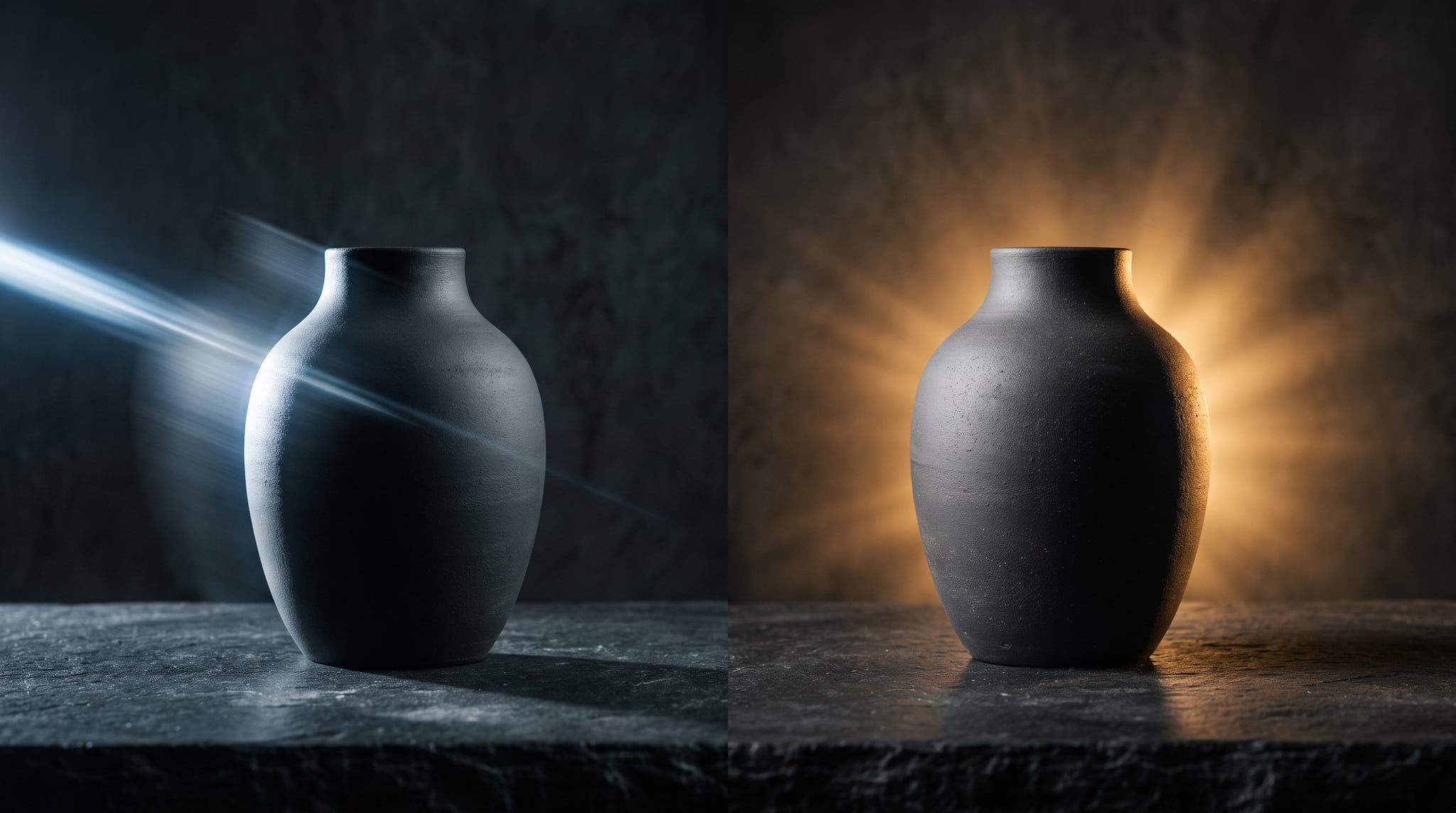


Subscribe to our newsletter
Be the first to hear about new techniques, model updates and ideas on AI generation.