
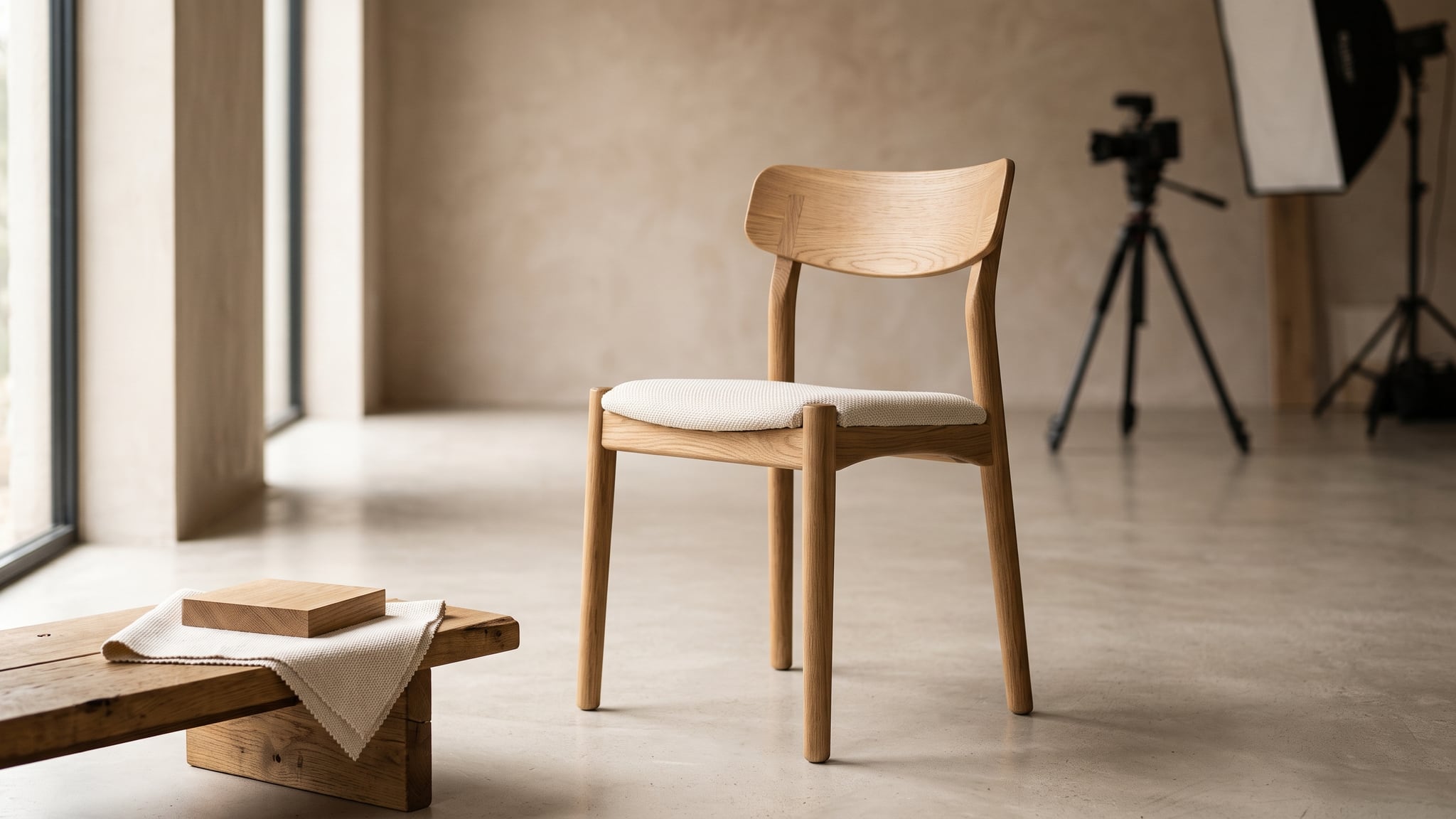
The cover is a conceptual AI-generated editorial illustration. Its upholstered chair is separate from the fictional solid-seat chair specified below.
Furniture product images do different jobs. A neutral catalog image identifies a chair. A close-up shows its finish. A room scene suggests how to style it. A rotation reveals its construction, while an AR asset lets someone place a digital representation in their space. Choosing one production method for all five can create unnecessary work or unsupported product claims.
Start with the deliverable and the evidence it needs. Use photography when the actual object's appearance is the evidence. Consider reference-based AI editing for approved two-dimensional views and contextual scenes. Use verified 3D when the deliverable requires inspectable geometry, repeatable viewpoints, or a spatial asset.
The practical question is: what must remain true, and how will you check it? This guide turns that question into a reusable brief.
Choose furniture product images by the promise they make
An image can look convincing while showing the wrong product. Separate visual appeal from product accuracy before reviewing either.
Shopify's furniture-selling guide recommends showing scale, texture, details, and lifestyle context, alongside clear product measurements. These are different information needs. A beautiful dining room cannot replace a useful photograph of the chair's joinery.
For this workflow, define the three methods narrowly:
- Photography: capture the physical product, then edit without misrepresenting its construction, condition, or finish.
- Reference-based AI editing: generate or transform an image using approved product references. Every result still needs comparison with the product; a reference is guidance, not a fidelity guarantee.
- Verified 3D: a model whose dimensions, geometry, and materials have been checked against current product evidence. Verification is a review step, not a property automatically conferred by CAD, scanning, or AI generation.
Shopify describes 3D models as three-dimensional representations that can be viewed from different angles. A rendered image of that model is still a flat image. Likewise, a generated image that appears three-dimensional does not supply an inspectable 3D asset.
| Required output | Sensible starting method | Evidence that changes the decision |
|---|---|---|
| Neutral hero | Photograph; reference-based edit if the source view is adequate | Distorted outline, missing construction detail, or strict original-pixel requirements |
| Material close-up | Actual-product photography | Exact grain, wear, weave, or finish is part of the buying decision |
| Lifestyle scene | Reference-based AI image or photography | Product shape changes, uncertain scale, or a specific real installation must be documented |
| Unseen angle or rotation | Additional photography or verified 3D | Hidden surfaces are absent from the source material |
| AR asset | Verified 3D and destination-specific testing | Incorrect dimensions, geometry, materials, or viewer behavior |
These are starting decisions, not a ranking of technologies. One product page can reasonably use all three methods.
Write the shared source brief first
Use one source packet for everyone producing the images. Include the SKU and finish, current dimensions, photographs of all relevant sides, close-ups, and the product revision. Identify which source governs each fact: the current specification for dimensions, approved photographs for visible construction, and the actual item for unit-specific grain or wear.
Resolve disagreements before production. A drawing for an older chair revision and a photograph of the new backrest cannot jointly define an accurate model. Ask the product owner which version is being sold; do not average the evidence into a plausible hybrid.
Then specify the image's promise. Is it an example of the product line, the exact individual piece for sale, a styling concept, or a representation of a product that has not yet been manufactured? That distinction affects the source material and the language accompanying the image.
Here is a reusable brief you can copy into a production request:
- Product: SKU, revision, finish, and whether the pictured item is representative or unit-specific.
- Output and destination: the image or asset needed, where it appears, and what buyers should learn.
- Approved sources: named photographs, dimensions, material references, and any verified model.
- Locked facts: shape, component count, joinery, material, condition, and dimensions that cannot change.
- Allowed changes: background, styling, crop, lighting treatment, or other explicitly approved edits.
- Acceptance evidence: the comparison views or physical checks the reviewer will use.
- Switch condition: the missing source or failed check that sends the job to another method.
- Approver: the person who knows the product and can accept or reject the result.
For the basic reference-image workflow, see our AI product photography guide. The additional discipline here is giving each output its own acceptance test.
A fictional oak chair, five separate deliverables
The following chair and production brief are fictional planning examples, not a completed test or customer case study. There are no measured savings, approval rates, or performance results behind them.
Imagine a dining chair with a curved oak backrest, four tapered legs, a solid seat, and visible rear joints. Its fictional specification is 48 cm wide, 52 cm deep, and 78 cm high, with a 46 cm seat height. Available sources include front, side, rear, and three-quarter photographs, a seat close-up, and that specification sheet. No verified 3D model exists yet.
Those inputs support some tasks immediately and leave others conditional. The five briefs below make the boundary explicit.
1. Neutral hero: identify the chair clearly
Requested output: one three-quarter product image on a simple neutral background, with the whole chair visible.
Source and method: start with the approved three-quarter photograph. If the photograph is already suitable, conventional editing may be enough. A reference-based AI edit is a candidate when the setting needs changing and the result can be checked against that same view.
Acceptance test: compare the outline, backrest curvature, seat thickness, leg taper, and visible joints with the original. Check the negative spaces between components, not just the outer silhouette. Inspect the contact with the floor and confirm that the shadow does not conceal a missing leg or suggest a different stance.
Switch condition: if the edit reconstructs the seat edge, changes leg spacing, or repeatedly invents joints, return to a controlled photograph or an editor-led workflow that preserves the product image. If the brief requires unchanged product pixels, choose that preservation workflow at the outset.
A clean background is not permission to redesign the chair. The product owner should approve identity before the art director approves polish.
2. Material close-up: show what the buyer receives
Requested output: a close view of the seat and backrest surface that explains the oak finish and visible grain.
Source and method: use a photograph with enough captured detail at the required viewing size. If the source is soft or too distant, take a new close-up. Generating additional texture is not the same as recovering documented texture.
Acceptance test: compare grain direction, pores, knots, edge treatment, and sheen with the actual reference. Confirm that lighting has not made a matte finish appear heavily lacquered or hidden a surface defect that matters to the sale.
For a repeatable product line, a representative sample may illustrate the finish, with appropriate wording about natural variation. For a unique chair whose individual grain is part of the offer, photograph the actual piece being sold. Neither a generic oak texture nor a convincing render proves that customer's chair has those markings.
Switch condition: whenever the request becomes “show this exact knot, scratch, or grain pattern,” require actual-piece photography. A missing close-up is a source gap, not a reason to synthesize evidence. For glossy finishes or mixed-material furniture, also review the reflective-product photography checks.
3. Lifestyle scene: add context without changing the product
Requested output: the chair beside a dining table in a warm, uncluttered room.
Source and method: a reference-based AI image can explore the setting using the approved chair view. A photograph of a staged room is preferable when the image must document a real installation or preserve exact physical relationships.
Acceptance test: compare the chair with its source before judging the room. Check the floor plane, leg contact, lighting direction, and occlusion where the table overlaps the chair. Make sure the table does not hide a changed backrest or an invented arm. Review whether the surrounding objects make the chair seem implausibly large or small.
A generated room is not a measurement surface. Do not estimate seat clearance from its pixels or imply that the depicted table and chair have been physically tested together. Keep verified dimensions available separately; our scale and size accuracy guide explains that distinction.
Switch condition: if buyers need to know whether the chair fits under a specific table, obtain both products' dimensions and verify the relevant clearance. If the scene cannot retain the approved chair, use photography or a separately controlled production workflow.
You can explore reference-based furniture image concepts in Oxava. Treat generated results as candidates for this review, rather than assuming the reference has locked every detail.
4. Unseen angle or rotation: supply evidence for hidden surfaces
Requested output: a rear three-quarter view or a rotation that exposes the back and underside of the chair.
Source and method: photograph the required views, or commission a 3D model and verify it before rendering. The fictional source packet includes a rear photograph but no underside view. That missing surface remains unverified even if an AI result makes it look plausible.
In its product-visualization research, Google reports that its fine-tuned Veo approach still invents details for unseen views; additional input photographs reduce these hallucinations. That finding describes Google's system, not an Oxava capability or a guarantee for other models.
Acceptance test: compare each newly visible component with evidence from that side. For a rotation, review intermediate frames as well as endpoints: rear joints should not migrate, supports should not appear and disappear, and seat thickness should remain stable as the camera moves.
Switch condition: if the movement reveals a surface no reference documents, obtain the missing photographs or geometry before using it as product evidence. Restrict the camera move when the brief can be satisfied without exposing that surface.
An AI-generated 3D mesh also needs this review. Being rotatable does not make inferred underside details correct. For motion-specific checks, use the reference-first product rotation guide.
5. AR asset: deliver checked geometry
Requested output: a digital chair that can be placed in a customer's space through the intended AR experience.
Source and method: build or obtain a 3D model using current dimensions and sufficient photographic evidence, then verify the asset. A still image, a rotation video, and a single-view AI reconstruction are not interchangeable with a validated spatial model.
Shopify's 3D modeling guidance calls for real-world scale, agreement with reference images, and review of geometry and materials. It also recommends that the merchant inspect the model and that the required file format be tested.
Acceptance test: check overall width, depth, height, and seat height against the approved specification. Inspect all sides, including the underside, for gaps and invented parts. Review material appearance, floor placement, orientation, and scale in the actual destination viewer on supported devices.
Switch condition: if the asset is dimensionally wrong or a component is undocumented, return it to modeling and verification. Generating a more attractive preview does not repair the underlying asset. Record any remaining limitations before release, and avoid presenting AR placement as a certified fit measurement.
Decide when to change methods
Set the switch condition before spending time on variants. A style problem, such as an unsuitable wall color, may be addressable within the current method. A source problem, such as an unknown rear connection, needs additional evidence. A deliverable problem, such as requesting AR from a flat image, needs a different production path.
Adobe makes a related boundary explicit in its AI home design guidance: generated room imagery is for visualization, not technical floor plans or blueprints. Apply the same caution to furniture imagery. An appealing room view cannot establish dimensions or construction.
When comparing production proposals, ask each supplier to price the same five-output brief, including source preparation, review, corrections, and the fallback method. Do not compare a generated lifestyle candidate with a fully approved AR asset as if they were equivalent units of work. Our cost per approved image guide covers the review-cost calculation separately.
Frequently Asked Questions
Can AI replace furniture product photography?
It can be useful for selected image-generation and editing tasks when adequate references and product review are available. Photograph the actual piece when unit-specific grain, condition, or construction must be documented. Choose the method separately for each deliverable.
Does an AI-generated 3D model count as verified 3D?
No. Verification requires comparing dimensions, geometry, and materials with trustworthy product evidence. An automatically generated model may be a starting point, but unseen details remain assumptions until checked.
Can one chair photo support a full rotation?
It can support an exploration of motion, but it does not document every newly exposed surface. For a product-accurate rotation, supply the relevant views or a verified model, and inspect the entire sequence.
Is an AI room image enough to show that furniture fits?
No. Use verified product dimensions and appropriate spatial checks. Even an AR asset needs correct scale and destination testing, and its placement should not replace measurements needed for a purchase decision.
Start with one brief, then choose the production path
Reliable furniture product images begin with an explicit promise: what this view shows, what supports it, and who approves it. For the fictional oak chair, that means a controlled hero, a real material close-up, a reviewed lifestyle scene, documented views for rotation, and verified geometry for AR.
Start with one approved product reference and explore image concepts in Oxava. Keep the five-output brief beside the results, and switch methods whenever the next deliverable needs evidence the current source cannot provide.
Oxava Team
Egemen Küpçü is the founder of Oxava, with 10+ years of hands-on experience in 3D and visual production. He writes about the craft of generating product, brand and campaign visuals with AI.
Related Articles
ALL POSTS
Subscribe to our newsletter
Be the first to hear about new techniques, model updates and ideas on AI generation.